9 [はい]をクリックして本製品を再起動します。
[いいえ]をクリックしたときは、後で必ず本製品を再起動してください。再起動しないと、通信が不安定になることがあります。
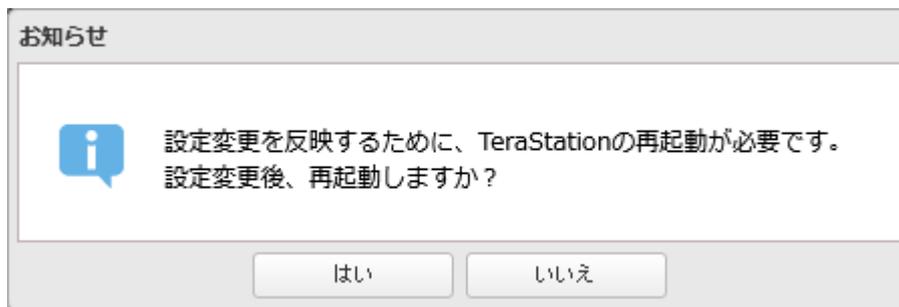
A dialog box titled "お知らせ" (Notice). It contains an information icon (i in a circle) and the text: "設定変更を反映するために、TeraStationの再起動が必要です。設定変更後、再起動しますか?" (To reflect the setting change, a restart of TeraStation is required. After changing the settings, do you want to restart?). There are two buttons at the bottom: "はい" (Yes) and "いいえ" (No).
以上で、ポートトランキング機能を使用する手順は完了です。
SNMP機能を有効にする
SNMP機能を有効にすることで、SNMPプロトコルに対応したネットワーク管理ソフトウェアから本製品を参照できます。
本機能の使用中に通知される主なトラップについて、後述の 「通知される主なトラップ一覧」(P.261) で説明します。
ここでは、SNMPv3を使用する手順を例に説明します。
メモ: この機能は、SNMPおよびネットワーク管理に詳しい方を対象としています。十分な知識をお持ちでない場合、使用されないことをおすすめします。
1 設定画面で[ネットワーク]をクリックします。

A dark rectangular button with a network icon (three connected circles) and the text "ネットワーク" (Network).
2
「SNMP」の横にある設定アイコン(
 )をクリックします。

A horizontal row containing the SNMP icon, the text "SNMP", a toggle switch, and a gear icon (settings).