6 表示されたメッセージをよく読み、[OK]をクリックします。
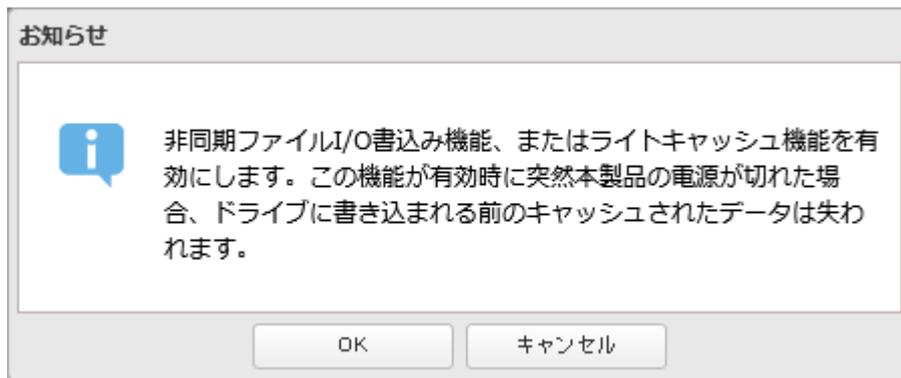
A screenshot of a Japanese 'Notice' (お知らせ) dialog box. The message states: 'Asynchronous File I/O write function, or light cache function is enabled. If the power of this product is suddenly cut off while this function is enabled, the data cached before being written to the drive will be lost.' There are two buttons at the bottom: 'OK' and 'Cancel' (キャンセル).
以上で、ボリュームを作成する手順は完了です。
メモ:
- • 設定画面で[ストレージ] – [iSCSI]をクリックして表示されるiSCSI情報画面で、一覧からiSCSIボリュームを選択し[イニシエーターからの接続を拒否する]をクリックすると、選択したiSCSIボリュームがiSCSIイニシエーターから接続できないように設定できます。元に戻すには、[イニシエーターからの接続を許可する]をクリックします。
- • 1つのFile I/Oボリュームの最大サイズは、本製品のフォーマット形式(XFS)の仕様により131071 GB(128 TB)までに制限されます。128 TB以上のボリュームを作成するには、Block I/Oボリュームを作成してください。環境によっては、Block I/OボリュームのアクセスのパフォーマンスがFile I/Oボリュームより低下することがあります。
Windows Server 2012以降のサーバーOSから接続する場合、OSの「記憶域プール」機能を使用することでFile I/Oボリュームでも128 TB以上のボリュームを作成し接続できます。その場合、128 TBより小さいサイズのFile I/Oボリュームを複数作成して、1つの128 TB以上のボリュームとして使用します。
ボリュームに接続する
作成したボリュームに接続するには、以下の手順を行ってください。作成したボリュームにはパソコンからiSCSIイニシエーターを使って接続します。
メモ:
- • 出荷時設定では、本製品のIPアドレスはDHCPサーバーから自動的に取得するよう設定されています。この場合、本製品の電源をOFFにして、もう一度ONにしたときなどに、IPアドレスが変更されボリュームに接続できなくなります。IPアドレスが変更されることがないよう、IPアドレス、サブネットマスク、デフォルトゲートウェイに固定IPアドレスを設定することをおすすめします。IPアドレスの変更方法は、第8章の [IPアドレスを変更する] (P.265) を参照してください。
- • 接続している状態で本製品をシャットダウンすると、データが消える恐れがあります。本製品をシャットダウンするときは、必ず接続を解除してから行ってください。